
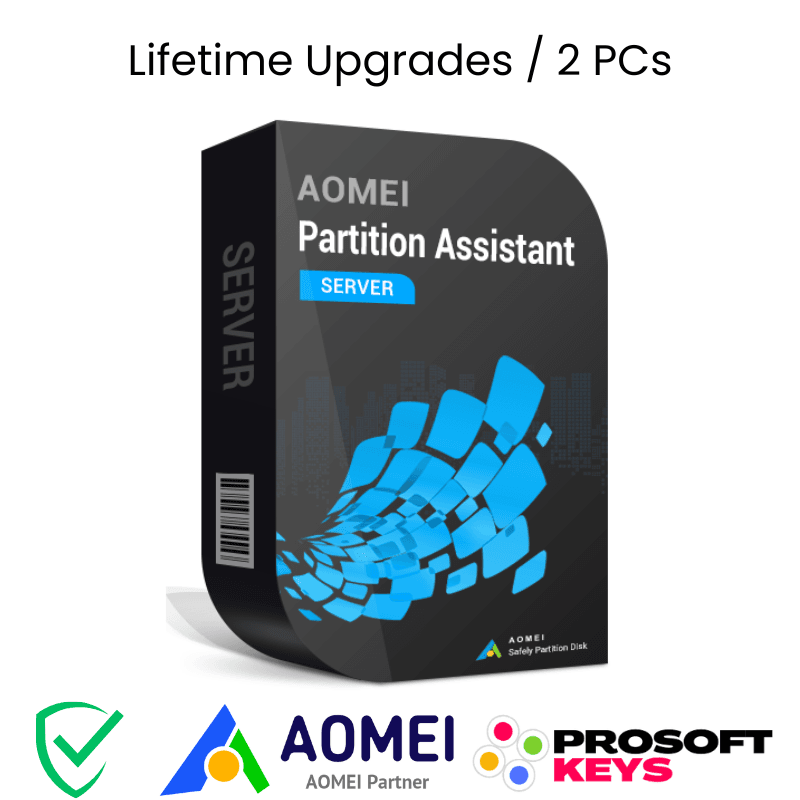
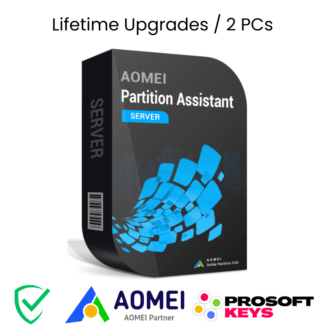

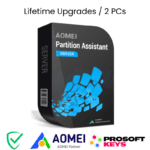
AOMEI Partition Assistant Server Key SERVER
Lifetime Upgrades License • 2 Servers • Manage Disk Without Data Loss
🤝 Official AOMEI Partner & Authorized Reseller
ProSoftKeys is proud to be an official AOMEI Partner. All license keys are genuine and sourced directly from AOMEI Technology, ensuring you receive authentic software with full support and lifetime upgrades.
Manage Server Disks Without Data Loss
AOMEI Partition Assistant Server is a comprehensive disk partition management software designed specifically for Windows Server environments. With 30+ powerful features, you can resize, move, merge, split partitions, migrate OS to SSD, convert disk formats, and optimize your server storage — all without losing a single file.
This license includes: One-time payment with lifetime free upgrades • Installation on 2 Windows Servers • Full technical support • All features unlocked
Key Features
📐 Resize & Move Partitions
Extend, shrink, or move server partitions without data loss. Allocate free space between volumes with ease.
🔀 Merge & Split Partitions
Combine multiple partitions into one or split large volumes into smaller ones — without formatting.
🚀 Migrate OS to SSD
Move your Windows Server installation from HDD to SSD without reinstalling. Instant performance boost.
🔄 GPT/MBR Conversion
Convert between GPT and MBR disk styles, Dynamic and Basic disks, NTFS and FAT32 — all without data loss.
📀 Clone Disk & Partition
Clone entire server disks or individual partitions for backup, migration, or hardware upgrades.
💿 Bootable Media Creator
Create bootable USB or CD/DVD to manage partitions even when Windows Server won't start.
🔧 Partition Recovery
Recover accidentally deleted or lost partitions and restore access to critical server data.
🛡️ Secure Disk Wipe
Permanently erase data from drives to prevent recovery when decommissioning server hardware.
🖥️ Advanced Server Features
AOMEI Partition Assistant Server also includes: S.M.A.R.T. disk health monitoring to predict drive failures, MBR rebuild to fix boot issues, disk defragmentation for optimized performance, 4K alignment for SSD optimization, and full RAID array support (RAID 0, 1, 5, 10). Supports disks up to 16TB+ and up to 128 disks per system.
🆚 Server vs Professional Edition
| Feature | Professional | Server ✓ |
|---|---|---|
| Windows PC Support | ✓ | ✓ |
| Windows Server Support | ✗ | ✓ |
| Resize/Merge/Split Partitions | ✓ | ✓ |
| Migrate OS to SSD | ✓ | ✓ |
| GPT/MBR Conversion | ✓ | ✓ |
| Disk Clone | ✓ | ✓ |
| Devices per License | 2 PCs | 2 Servers |
| Ideal For | Home/Office PCs | Business Servers |
Product Specifications
| License Details | |
|---|---|
| Product | AOMEI Partition Assistant Server Edition |
| License Type | Lifetime Upgrades (One-time payment, lifetime use) |
| Device Activation | 2 Servers per license |
| Delivery Time | 10 minutes to a few hours (manual processing) |
| System Requirements | |
| Windows Server | 2025, 2022, 2019, 2016, 2012 (R2), 2008 (R2), 2003 |
| Small Business Server | SBS 2003, 2008, 2011; Windows Home Server 2011 |
| Windows PC | Windows 11, 10, 8.1, 8, 7, Vista, XP (32/64-bit) |
| Supported Storage | HDD, SSD, NVMe, USB drives, Hardware RAID (0/1/5/10) |
| Disk Capacity | MBR and GPT disks up to 16TB+ |
| Max Disks | Up to 128 disks per system |
| File Systems | NTFS, FAT32/FAT16/FAT12, exFAT, ReFS, Ext2/Ext3/Ext4 |
What's Included
| ✓ Genuine AOMEI Partition Assistant Server license key |
| ✓ Activation for 2 Windows Servers |
| ✓ One-time payment — lifetime use |
| ✓ Lifetime free upgrades to all future versions |
| ✓ Download link to latest version |
| ✓ Official AOMEI technical support |
🕐 Delivery Information
This product is NOT instant delivery. AOMEI Partition Assistant Server keys are manually processed to ensure authenticity and proper licensing. Typical delivery time is 10 minutes to a few hours during business hours. You will receive your license key via email once your order is verified and processed. Thank you for your patience.
💡 Ideal For
- Small & Medium Businesses — Manage server disk space without downtime or data loss
- IT Administrators — Centralized partition management for Windows Server environments
- SSD Upgrades — Migrate Windows Server OS from HDD to SSD without reinstalling
- Server Consolidation — Resize and reorganize partitions when consolidating server workloads
- Disk Format Changes — Convert between GPT/MBR or Dynamic/Basic without data loss
- Disaster Recovery — Clone server disks and create bootable rescue media
How to Activate
📥 Activation Steps
- Wait for your license key to be delivered via email (10 min - few hours)
- Download AOMEI Partition Assistant Server from the official AOMEI website
- Install the software on your Windows Server
- Open AOMEI Partition Assistant and click on "Register" in the menu
- Enter your license key received from ProSoftKeys
- Click "Register" — your Server edition is now activated!
📦 More AOMEI Products Available
As an official AOMEI Partner, ProSoftKeys can provide genuine licenses for the complete AOMEI product lineup:
Looking for a specific AOMEI product not listed on our website? Contact us for availability and best pricing:
📧 Contact sales@prosoftkeys.comFrequently Asked Questions
What is AOMEI Partition Assistant Server Edition?
AOMEI Partition Assistant Server is a comprehensive disk partition management software designed specifically for Windows Server environments. It offers 30+ features including resize, move, merge, split partitions, migrate OS to SSD, GPT/MBR conversion, disk cloning, partition recovery, and secure data wiping — all without data loss.
What Windows Server versions are supported?
AOMEI Partition Assistant Server supports Windows Server 2025, 2022, 2019, 2016, 2012 (R2), 2008 (R2), 2003, Small Business Server 2011/2008/2003, and Windows Home Server 2011. It also works on Windows 11, 10, 8.1, 8, 7, Vista, and XP (both 32-bit and 64-bit).
How many servers can I activate with one license?
One AOMEI Partition Assistant Server license can be used to register and activate the software on up to 2 Windows Servers. Both servers will receive full functionality and lifetime free upgrades to all future versions.
What does "Lifetime Upgrades" mean?
Lifetime Upgrades means you pay once and receive all future version updates of AOMEI Partition Assistant Server at no additional cost — forever. When AOMEI releases new versions with additional features and improvements, you can upgrade for free.
Can it convert between GPT and MBR without data loss?
Yes, AOMEI Partition Assistant Server can convert disks between GPT and MBR formats without any data loss. It also supports Dynamic to Basic disk conversion and NTFS to FAT32 file system conversion while preserving all your data.
What's the difference between Partition Assistant Server and Backupper Server?
Partition Assistant Server is for disk management — resizing partitions, migrating OS, converting disk formats, cloning disks. Backupper Server is for data protection — creating backups, system images, and disaster recovery. They complement each other perfectly for complete server management.
Is ProSoftKeys an authorized AOMEI reseller?
Yes, ProSoftKeys is an official AOMEI Partner and authorized reseller. All keys are genuine and sourced directly from AOMEI Technology, ensuring full support and validity.
📋 Product Information
ProSoftKeys is an official AOMEI Partner and authorized reseller. All license keys are genuine and sourced directly from AOMEI Technology. This product includes lifetime free upgrades, meaning you will receive all future version updates at no additional cost.
Delivery: This is NOT an instant delivery product. License keys are manually processed and typically delivered within 10 minutes to a few hours during business hours.
For technical support, AOMEI provides official support at diskpart.com/support. For order inquiries, contact ProSoftKeys at support@prosoftkeys.com.


Reviews
There are no reviews yet.