Windows 10 LTSC vs Pro: Speed, Performance & Complete Comparison
Everything you need to know about LTSC speed, RAM usage, features, and whether it's right for you
🎯 Quick Answer: Is Windows 10 LTSC Faster Than Pro?
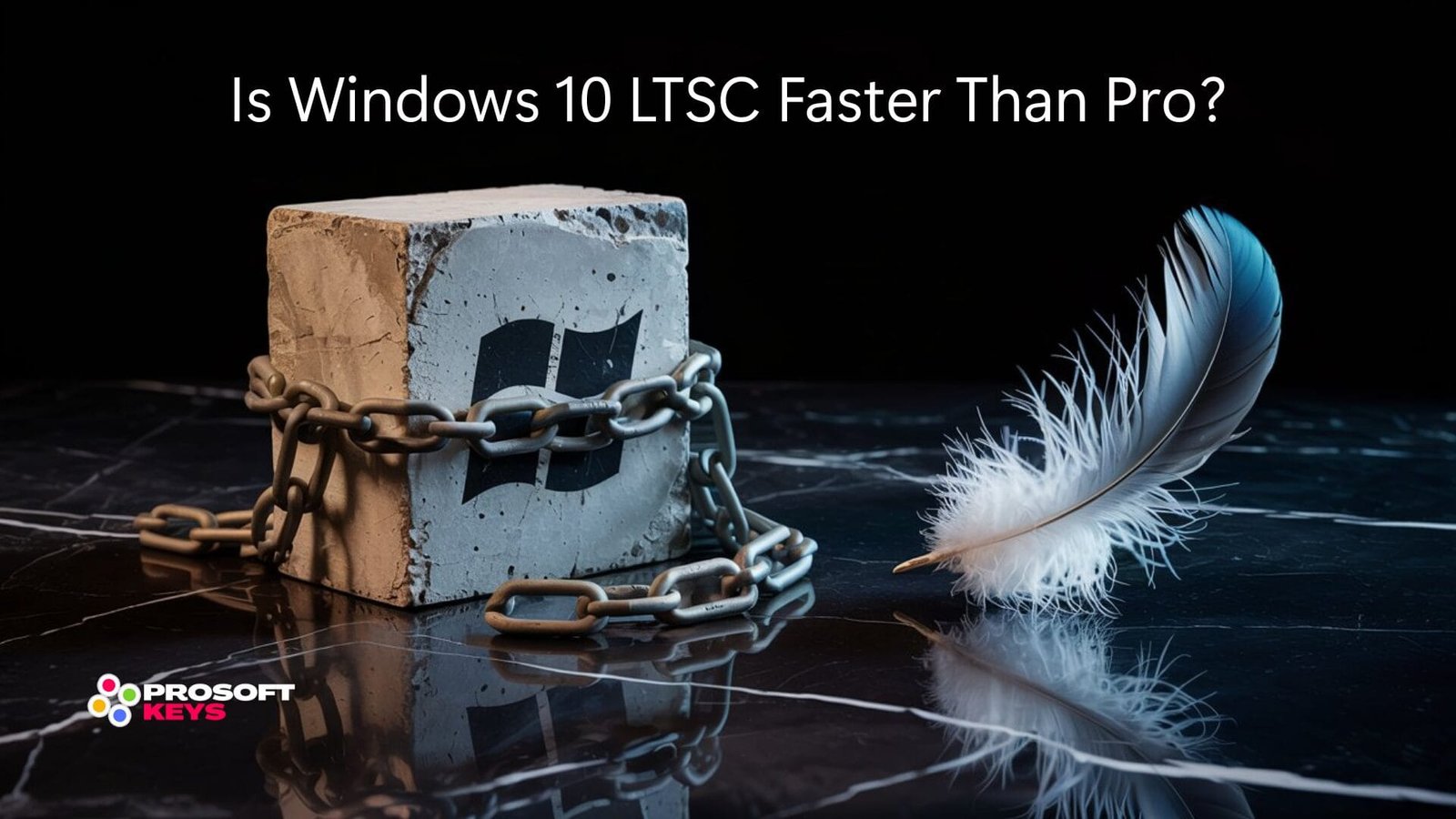
Yes, Windows 10 LTSC is generally faster than Pro. Based on community benchmarks and user reports, LTSC typically uses less RAM at idle, boots faster, and delivers better performance in gaming and professional workloads. This is because LTSC removes consumer apps, Cortana, Microsoft Store, and reduces background telemetry, resulting in a cleaner, more responsive system.
Note: Actual performance varies by hardware configuration, installed software, and usage patterns. Figures cited in this article are approximate values based on community testing and may differ from your experience.
*Approximate figures based on community benchmarks. Results vary by hardware and configuration.
Is Windows 10 LTSC Faster Than Pro?
Yes, Windows 10 LTSC is noticeably faster than Windows 10 Pro in almost every real-world scenario. The performance difference comes from what LTSC removes, not what it adds.
✓ Direct Answer
Windows 10 LTSC is faster than Pro because it eliminates bloatware, background services, and telemetry. Users report 15-25% faster boot times, lower RAM usage, and smoother overall performance, especially on older hardware or systems with limited resources.
Why Is LTSC Faster? The Technical Explanation
Windows 10 Pro runs dozens of background processes that most users never see or need. These include Cortana indexing, Microsoft Store app updates, Windows Update delivery optimization, telemetry collection, and pre-installed apps constantly checking for updates.
LTSC strips all of this away. The result? Fewer processes competing for CPU cycles and memory. Your applications get more resources, and the system responds faster to every click.
| Performance Metric | Windows 10 Pro | Windows 10 LTSC | Advantage |
|---|---|---|---|
| Idle RAM Usage* | ~3 - 4+ GB | ~2 - 3 GB | LTSC ✓ |
| Boot Time (SSD)* | ~18-25 seconds | ~12-20 seconds | LTSC ✓ |
| Background Processes* | ~120-150+ | ~70-100 | LTSC ✓ |
| Disk Space (Fresh Install) | ~20-25 GB | ~12-18 GB | LTSC ✓ |
| Gaming Performance* | Baseline | Potentially higher FPS | LTSC ✓ |
| Feature Update Interruptions | Semi-annual | None (security only) | LTSC ✓ |
*Approximate values based on community benchmarks and user reports. Actual results depend on hardware specifications, drivers, installed software, and system configuration. Your mileage may vary.
For users prioritizing raw performance and system resources, LTSC generally provides a leaner experience. However, the most minimal Windows installation is Windows IoT Enterprise LTSC, which removes additional components beyond standard Enterprise LTSC.
What Is the Difference Between LTSC and Pro?
The fundamental difference between Windows 10 LTSC and Pro comes down to purpose. Pro is built for general consumers and businesses who want all the latest features. LTSC is built for systems that need rock-solid stability without constant changes.
✓ Direct Answer
Windows 10 LTSC removes consumer apps (Cortana, Microsoft Store, Edge), receives only security updates (no feature updates), includes enterprise features (BitLocker, Group Policy), and has a 10-year support lifecycle. Pro receives feature updates twice yearly and includes consumer apps.
| Feature | Windows 10 Pro | Windows 10 LTSC |
|---|---|---|
| Microsoft Store | ✓ Included | ✗ Removed |
| Cortana | ✓ Included | ✗ Removed |
| Microsoft Edge (UWP) | ✓ Included | ✗ Removed |
| Xbox App & Game Bar | ✓ Included | ✗ Removed |
| Feature Updates | Every 6 months | None (security only) |
| Support Lifecycle | 18 months per version | 5-10 years |
| BitLocker Encryption | ✓ Included | ✓ Included |
| Group Policy | ✓ Included | ✓ Included |
| Domain Join | ✓ Included | ✓ Included |
| Target Audience | General Users | Specialized Systems |
Is Windows 10 LTSC Lightweight?
✓ Direct Answer
Yes, Windows 10 LTSC is generally lighter than Pro, but it's not the absolute minimum. LTSC removes consumer apps and typically uses less RAM and disk space than Pro. For the most minimal Windows experience, Windows IoT Enterprise LTSC offers additional optimizations beyond standard Enterprise LTSC.
LTSC vs IoT Enterprise LTSC: Understanding the Difference
There's an important distinction many users miss: Windows Enterprise LTSC and Windows IoT Enterprise LTSC are not identical.
| Aspect | Enterprise LTSC | IoT Enterprise LTSC |
|---|---|---|
| Microsoft Store / Cortana | ❌ Removed | ❌ Removed |
| Consumer Apps | ❌ Removed | ❌ Removed |
| Lockdown Features | Standard | ✓ Enhanced (Shell Launcher, Unified Write Filter) |
| Kiosk/Embedded Optimizations | Basic | ✓ Advanced |
| Support Lifecycle | 5-10 years (version dependent) | 10 years |
| Target Use Case | Enterprise workstations | Embedded/specialized systems |
⚠️ Important Clarification
While both editions are leaner than Windows Pro, IoT Enterprise LTSC is designed for truly minimal deployments (kiosks, digital signage, industrial equipment). Regular Enterprise LTSC removes consumer apps but may still include some components that power users might consider unnecessary. Neither edition is a "debloated" custom build—they're official Microsoft releases designed with different priorities than consumer Windows.
LTSC editions are commonly used for:
- Older computers that struggle with Windows 10 Pro's resource demands
- Virtual machines where RAM allocation is limited
- Embedded systems like kiosks, ATMs, and point-of-sale terminals
- Gaming PCs where users want fewer background processes
- Workstations running resource-intensive professional software
Note: Exact resource savings vary by hardware, drivers, and configuration. Some users report significant improvements while others see modest gains. Testing on your own system is recommended.
What Are the Benefits of Windows 10 LTSC?
✓ Direct Answer
The main benefits of Windows 10 LTSC are: better performance due to no bloatware, 10-year security support, no forced feature updates, fewer background processes, lower RAM and disk usage, no ads or suggested apps, maximum system stability, and enterprise-grade security features.
✓ LTSC Benefits
- Generally faster boot times
- Lower RAM usage at idle
- No bloatware or pre-installed consumer apps
- No forced feature updates
- 5-10 year security support
- No Cortana
- No ads in Start Menu
- Cleaner, distraction-free interface
- Better suited for older hardware
- Fewer background processes
- Enterprise security features included
- Predictable, stable environment
✗ LTSC Limitations
- No Microsoft Store
- No Xbox Game Pass PC
- No Cortana voice assistant
- Must manually install Edge
- No modern Photos/Calculator (fixable)
- Not for everyday consumers
- Requires technical knowledge
- Microsoft doesn't sell to individuals
Why Use Windows 10 LTSC?
Users choose LTSC because they want a Windows experience stripped to its core—stable, fast, and focused. Whether you're running a medical device that can't afford update interruptions, building a gaming PC for maximum FPS, or simply tired of Windows 10 Pro's bloat, LTSC delivers the clean foundation many users wish Windows had from the start.
What Is the Lifespan of LTSC?
✓ Direct Answer
Windows 10 Enterprise LTSC receives 5-10 years of security updates from Microsoft, depending on version. LTSC 2019 has 10-year support (until January 2029). LTSC 2021 has 5-year support (until January 2027). Windows 11 IoT Enterprise LTSC 2024 has 10-year support (until 2034).
| LTSC Version | Release Date | End of Support | Total Lifecycle |
|---|---|---|---|
| Windows 10 LTSC 2019 | November 2018 | January 9, 2029 | 10 years |
| Windows 10 LTSC 2021 | November 2021 | January 12, 2027 | 5 years |
| Windows 11 IoT LTSC 2024 | October 2024 | October 2034 | 10 years |
This extended lifecycle is why LTSC is preferred for critical infrastructure, medical devices, industrial equipment, ATMs, and point-of-sale systems that need years of stable, uninterrupted operation.
Is LTSC the Same as Enterprise?
✓ Direct Answer
LTSC is a specialized variant of Windows Enterprise. Both include the same enterprise features (BitLocker, Group Policy, domain join, DirectAccess). The difference: Enterprise receives semi-annual feature updates, while LTSC receives only security updates. LTSC also removes consumer apps like Microsoft Store and Cortana.
Think of it this way: Windows 10 Enterprise is the full-featured business edition. Windows 10 Enterprise LTSC is the same core OS, minus the consumer extras and feature updates. Both offer enterprise-grade security and management—LTSC simply provides a more stable, unchanging platform.
What Is Missing From Windows 10 LTSC?
✓ Direct Answer
Windows 10 LTSC removes: Microsoft Store, Cortana, Microsoft Edge (legacy UWP), Xbox app and Game Bar, Mail and Calendar, OneNote, Your Phone, Groove Music, Movies & TV, and other pre-installed UWP apps. It also doesn't receive feature updates; only security patches.
The Complete List of Removed Components
| Component | Status in LTSC | Workaround |
|---|---|---|
| Microsoft Store | ❌ Removed | Can be sideloaded manually |
| Cortana | ❌ Removed | Cannot be installed |
| Microsoft Edge (Legacy) | ❌ Removed | Install Edge Chromium |
| Xbox App / Game Bar | ❌ Removed | Cannot use Game Pass PC |
| Mail & Calendar | ❌ Removed | Use Outlook or webmail |
| Modern Photos App | ❌ Removed | Classic Photo Viewer available |
| Calculator (UWP) | ❌ Removed | Can sideload or use old calculator |
| Snip & Sketch | ❌ Removed | Snipping Tool works |
| Feature Updates | ❌ Never | By design (stability) |
For most power users and businesses, these "missing" components are actually the point—fewer moving parts means fewer things to break, update, or consume resources.
Why Not Use LTSC?
⚠️ When LTSC Isn't Right for You
LTSC may not be suitable if you need Microsoft Store apps, Xbox Game Pass, Cortana, the latest Windows features, or if you rely on consumer apps. LTSC is designed for specialized systems requiring maximum stability; not everyday consumer use.
You Should NOT Use LTSC If You:
- Use Xbox Game Pass for PC (requires Xbox app and Microsoft Store)
- Need apps from the Microsoft Store (Spotify, Netflix, Adobe)
- Want Cortana voice assistant integration
- Rely on the latest Windows features as they release
- Use Your Phone app for Android integration
- Prefer the modern Windows experience with all consumer apps
- Are not comfortable with technical workarounds
Microsoft explicitly states that LTSC is not designed for general-purpose computing. It's built for kiosks, medical devices, industrial systems, and specialized workstations. However, power users and gamers often ignore this guidance—because LTSC delivers the clean, fast Windows experience they want.
Is Windows 11 Better Than LTSC?
✓ Direct Answer
Windows 11 and LTSC serve different purposes and can't be directly compared. Windows 11 offers modern features, new UI, and hardware requirements. Windows 10 LTSC offers maximum stability and performance. For 10-year support with Windows 11 features, choose Windows 11 IoT Enterprise LTSC 2024 it combines both.
Which Is Better: Windows 11 or LTSC?
This question compares apples to oranges. "Windows 11" is a version, while "LTSC" is a release channel that applies to both Windows 10 and Windows 11. The real question is: what do you need?
| If You Need... | Choose |
|---|---|
| Maximum stability + 10-year support (older hardware) | Windows 10 Enterprise LTSC 2019 |
| Stability + Windows 11 features + 10-year support | Windows 11 IoT Enterprise LTSC 2024 |
| Latest features + consumer apps | Windows 11 Pro |
| Gaming with Game Pass PC | Windows 11 Pro (LTSC can't run Xbox app) |
| Older hardware (pre-2018) | Windows 10 LTSC 2019 or 2021 |
How Much RAM Does Windows 10 Pro Need?
✓ Direct Answer
Windows 10 Pro's official minimum is 2GB RAM (64-bit), but realistically requires 4GB for basic tasks and 8GB+ for comfortable use. LTSC editions generally perform better on lower-RAM systems due to fewer background processes.
| RAM | Windows 10 Pro | Windows 10 LTSC |
|---|---|---|
| 2GB (minimum) | ❌ Meets minimum, poor experience | ⚠️ Usable for very basic tasks |
| 4GB | ⚠️ Basic use, may feel slow | ✓ Comfortable for basic use |
| 8GB | ✓ Standard recommended | ✓ Good performance |
| 16GB+ | ✓ Power user / multitasking | ✓ Excellent headroom |
Note: These are general guidelines. Actual RAM requirements depend on your specific applications, browser usage, and multitasking habits.
LTSC's lower overhead makes it a practical choice for budget systems, virtual machines, and scenarios where maximizing available resources matters.
Who Should Use Windows 10 LTSC?
While Microsoft markets LTSC for specialized industrial use, real-world adoption is broader. Here's who actually benefits from LTSC:
Ideal LTSC Users
- Gamers wanting maximum FPS and no background interruptions
- Power users tired of Windows bloat and forced updates
- IT professionals building clean workstations
- Businesses running specialized software (CAD, medical, industrial)
- Kiosk operators needing stability without feature changes
- Digital signage deployments requiring 24/7 uptime
- Point-of-sale systems in retail and hospitality
- Medical devices requiring FDA/regulatory compliance
- Industrial equipment running manufacturing systems
- ATM operators and financial terminals
- Thin clients and virtual desktop infrastructure (VDI)
- Older hardware owners who want to extend device lifespan
Ready for a Cleaner, Faster Windows?
Get genuine Windows 10 LTSC or Windows 11 IoT Enterprise LTSC licenses with instant delivery and 24/7 support.
Browse LTSC Editions →Frequently Asked Questions
Is Win10 LTSC good?
Yes, Windows 10 LTSC is well-suited for its intended purpose. It provides a stable, leaner Windows experience with fewer background processes and no forced feature updates. Many users appreciate the cleaner interface and predictable behavior. The trade-off is losing consumer apps like Microsoft Store and Xbox—which some users consider a benefit rather than a limitation.
Can I install Microsoft Store on LTSC?
Yes, Microsoft Store can be manually sideloaded onto LTSC. The process requires downloading the Store package and dependencies, then installing via PowerShell. However, not all Store apps work perfectly on LTSC, and Microsoft doesn't officially support this configuration.
Is Windows 10 LTSC legal for personal use?
Yes, there's nothing illegal about using LTSC personally. Microsoft simply doesn't sell LTSC licenses directly to consumers—it's only available through volume licensing. Authorized resellers can provide genuine LTSC keys for legitimate personal and business use.
Can I upgrade from Windows 10 Pro to LTSC?
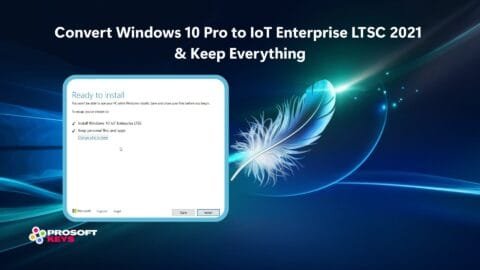
There is no direct upgrade path from Pro to LTSC. You need to perform a clean installation of LTSC. Back up your data, create LTSC installation media, and install fresh. Your applications will need to be reinstalled.
Does LTSC get security updates?
Yes, LTSC receives all security updates and quality patches. It simply doesn't receive feature updates (new Windows features). Your system stays protected while remaining stable and predictable.
Which LTSC version should I choose?
For maximum compatibility with older hardware and 10-year support, choose Windows 10 LTSC 2019. For the latest Windows 10 features with lighter support, choose LTSC 2021. For Windows 11 with 10-year support, choose Windows 11 IoT Enterprise LTSC 2024.
Can I play games on Windows 10 LTSC?
Yes, gaming on LTSC works well. DirectX, graphics drivers, and platforms like Steam, Epic, and GOG all function normally. Some users report smoother performance due to fewer background processes, though results vary by system. The main limitation: Xbox Game Pass PC won't work because it requires Microsoft Store and Xbox app.
Is Windows 11 IoT LTSC the same as regular Windows 11?
Windows 11 IoT Enterprise LTSC 2024 is based on the same Windows 11 codebase but removes consumer apps, doesn't receive feature updates, and has 10-year support. It's the best of both worlds: Windows 11 features with LTSC stability.
📋 About This Guide
This comparison is based on official Microsoft documentation, community benchmarks, user reports from forums (Reddit, Microsoft Answers, TenForums), and our team's hands-on experience with LTSC editions.
Performance Disclaimers:
- RAM usage, boot times, and performance figures are approximate ranges based on community testing—not controlled laboratory benchmarks
- Actual results vary significantly based on hardware, drivers, installed software, and configuration
- We recommend testing on your own system before making migration decisions
- LTSC is not officially supported by Microsoft for general consumer use
Sources Referenced:
- Microsoft LTSC Documentation
- Microsoft Lifecycle Policy
- Community forums: Reddit r/Windows, TenForums, Microsoft Answers
Last verified: December 2025. If you notice any inaccuracies, please contact us for corrections.