Windows 10 ESU Year 2: Should You Pay $122/Device or Upgrade? 2026 Cost Calculator
Executive Summary: The $29-49 Billion Decision
Quick Answer: For most organizations with 100+ devices, purchasing new Windows 11 Pro licenses for TPM 2.0-compatible hardware ($25-40/license) or selective hardware upgrades proves more cost-effective than three-year ESU commitments. Use our interactive TCO calculator below to determine your break-even point.
Windows 10 ESU 3-Year Total Cost
$427Per device without Intune | $315 with Intune enrollment
Understanding the Windows 10 ESU Crisis
What Happened on October 14, 2025
Windows 10 reached end of support on October 14, 2025, ending free security updates for approximately 850 million devices worldwide. While consumer PCs face heightened security risks, enterprise organizations encounter a more complex decision matrix involving Extended Security Updates, hardware compatibility, and budget constraints.
Why 50% of Enterprise PCs Remain on Windows 10
TPM 2.0 Hardware Barrier: Windows 11 requires Trusted Platform Module 2.0 chips, eliminating compatibility for devices manufactured before 2016-2017. This architectural requirement created an unprecedented hardware refresh crisis, with organizations facing:
- 40-60% of existing PC fleets unable to upgrade to Windows 11
- Average device age of 5-7 years in enterprise environments
- Hardware procurement lead times of 8-12 weeks
- Budget cycles misaligned with Microsoft's EOL timeline
Real-World Impact: ControlUp telemetry across 1 million+ enterprise endpoints confirms 50% still operate Windows 10 in late 2025, representing 120-200 million devices requiring immediate decisions.
Windows 10 ESU Year 2 Pricing: The Complete Breakdown
Official Microsoft Pricing Structure
| ESU Year | Standard Pricing | Intune Enrolled | Windows 365* |
|---|---|---|---|
| Year 1 (Oct 2025 - Oct 2026) | $61 per device | $45 per device (26% discount) | Included |
| Year 2 (Oct 2026 - Oct 2027) | $122 per device (2× Year 1) | ~$90 per device (estimated) | Included |
| Year 3 (Oct 2027 - Oct 2028) | $244 per device (4× Year 1) | ~$183 per device (estimated) | Included |
| 3-Year Total | $427 per device | $315 per device | $0 ESU** |
** Total Cost Reality: While ESU fees are $0, Windows 365 Business (2 vCPU/8GB/128GB) costs approximately $31/month × 36 months = $1,116 per user over 3 years - far exceeding ESU costs. Only suitable for organizations with strategic cloud PC initiatives.
Organizational Impact Examples
- 100 devices: $42,700 (standard) or $31,500 (Intune)
- 500 devices: $213,500 (standard) or $157,500 (Intune)
- 1,000 devices: $427,000 (standard) or $315,000 (Intune)
- 5,000 devices: $2,135,000 (standard) or $1,575,000 (Intune)
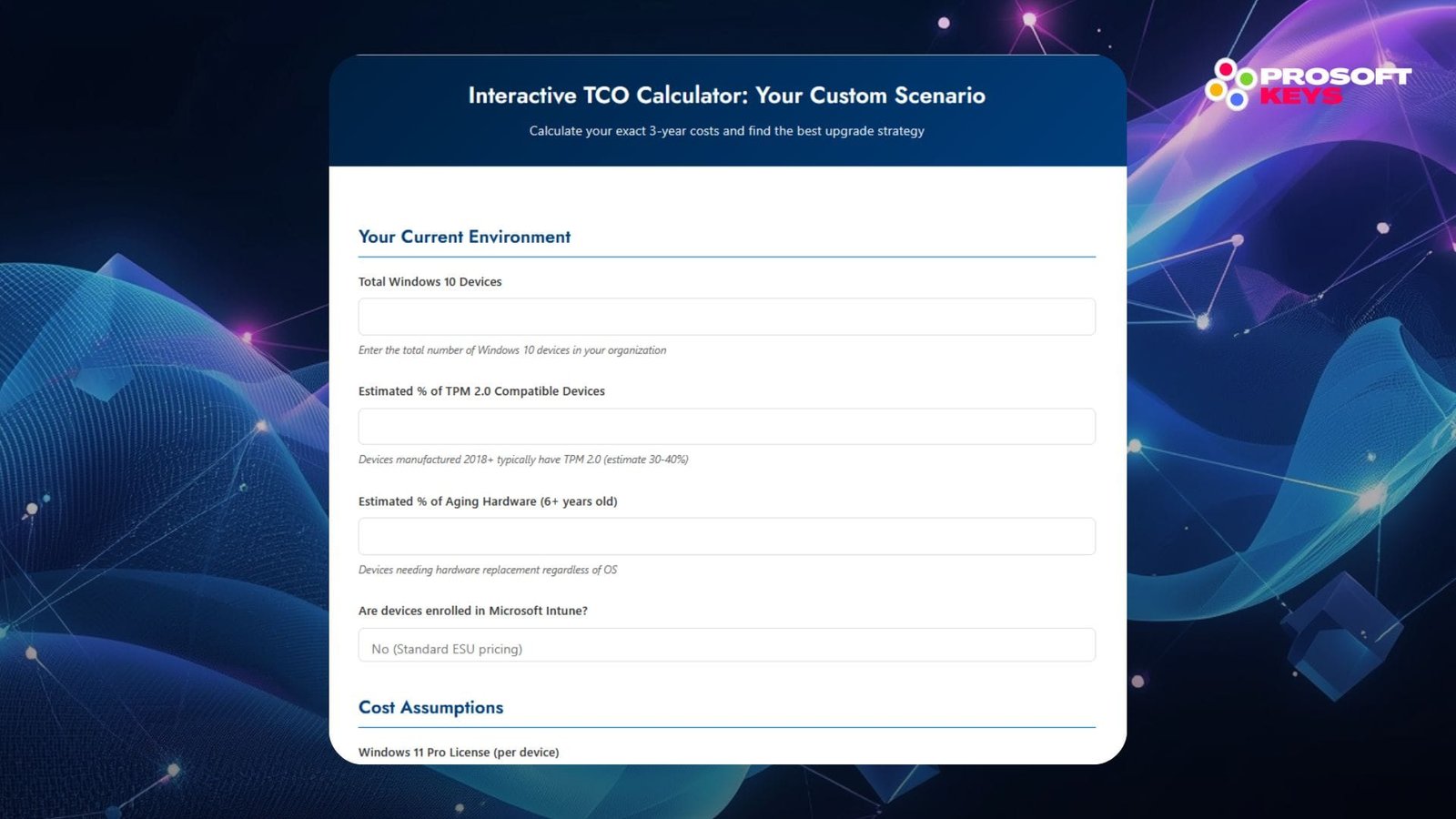
Interactive TCO Calculator: Your Custom Scenario
Calculate your exact 3-year costs and find the best upgrade strategy
Your Current Environment
Cost Assumptions
📈 Your 3-Year Total Cost of Ownership
Scenario A: Full ESU (3 Years)
Scenario B: Windows 11 Upgrade
Scenario C: Hardware Refresh
Scenario D: Hybrid (Recommended)
Ready to Upgrade to Windows 11?
Get genuine Windows 11 Pro licenses for less than the cost of ESU Year 2
Get Windows 11 Pro - Instant Delivery →Volume Pricing Available ( contact sales@prosoftkeys.com )
Your Four Strategic Options: Complete Decision Framework
Option 1: Pay for ESU Year 2 (and Beyond)
Best for:
- Organizations with <18 months until planned hardware refresh
- Devices in highly specialized industrial environments
- Budget-constrained scenarios requiring short-term extension
- Complex application dependencies requiring Windows 10
Total Cost of Ownership (3 years):
- ESU costs: $427/device (standard) or $315/device (Intune)
- Hardware: $0 (existing devices)
- Labor: Minimal (enrollment only)
- TCO: $315-427 per device
Option 2: Upgrade to Windows 11 Pro (Compatible Hardware Only)
Best for:
- Devices manufactured 2018 or later with TPM 2.0
- Organizations with 30-50% compatible fleet
- Budgets allowing selective upgrades
- Long-term OS modernization strategy
Total Cost of Ownership:
- Windows 11 Pro license: $25-40 per device (volume pricing)
- Hardware: $0 (existing compatible devices)
- Labor: $15-30 per device (deployment/migration)
- TCO: $40-70 per device (one-time)
Option 3: Hardware Refresh with Windows 11
Best for:
- Devices over 6 years old
- Non-compatible hardware (no TPM 2.0)
- Organizations with capital budgets
- Long-term productivity improvements desired
Total Cost of Ownership:
- New PC with Windows 11 Pro: $600-900 per device
- Migration labor: $50-100 per device
- TCO: $650-1,000 per device (one-time)
When Hardware Refresh Makes Sense:
- Devices over 7 years old (high support costs)
- Business productivity gains justify investment (20-40% improvement)
- Tax depreciation benefits available
- Existing hardware failures increasing
Option 4: Hybrid Approach (Recommended for Most)
Strategic Segmentation Example (1,000 device organization):
| Segment | Action | Cost Per Device | Total Segment Cost |
|---|---|---|---|
| Segment A: TPM 2.0-Compatible (350 devices) | Windows 11 Pro upgrade | $70 | $24,500 |
| Segment B: Recent Hardware (250 devices) | Add TPM module + Win 11 | $85 | $21,250 |
| Segment C: Aging Hardware (300 devices) | ESU Year 2 + 2026 refresh | $955 | $286,500 |
| Segment D: Specialized (100 devices) | Full 3-year ESU | $427 | $42,700 |
| Total Hybrid Strategy | $374,950 (vs. $427,000 all ESU = $52,050 saved) | ||
Hidden ESU Cost-Saving Strategies
1. Microsoft Intune Enrollment Discount (26% Savings)
How It Works: Devices enrolled in Microsoft Intune (cloud-based device management) receive 26% ESU discount:
- Standard Year 1: $61 → Intune Year 1: $45 (save $16)
- Standard Year 2: $122 → Intune Year 2: $90 (save $32 estimated)
- Standard Year 3: $244 → Intune Year 3: $183 (save $61 estimated)
2. EU/EEA Free ESU Workaround
Background: EU regulatory compliance requires Microsoft to provide extended security updates for consumer Windows 10 devices with active Microsoft accounts and OneDrive synchronization enabled.
Eligibility Requirements:
- Devices located in EU/EEA countries
- Active Microsoft account signed in
- OneDrive sync enabled (even with minimal usage)
- Consumer or small business (not enterprise VLK)
Cost Savings: Standard ESU 3-year: $427 → EU workaround: $0
Security Implications: Unsupported Windows 10
What Happens Without ESU
After October 14, 2025 (No ESU):
- No security patches for newly discovered vulnerabilities
- No hotfixes for critical bugs
- No technical support from Microsoft
- Compliance violations for regulated industries
- WannaCry (2017): Exploited Windows XP/7 without patches - $4 billion in damages
- NotPetya (2017): Targeted unpatched Windows systems - $10 billion in losses
- BlueKeep (2019): Critical RDP vulnerability requiring immediate patching
Step-by-Step Implementation Guide
Phase 1: Assessment (Week 1-2)
Device Inventory Audit:
- Run Windows 11 PC Health Check Tool fleet-wide
- Catalog results: Compatible, incompatible (with/without TPM 2.0), specialized
- Document hardware age, condition, and remaining useful life
- Identify business-critical applications with OS dependencies
Cost Analysis:
- Calculate ESU 3-year total ($427 × device count)
- Determine Windows 11 upgrade costs (compatible devices × $35-85)
- Estimate hardware refresh costs (incompatible devices × $750-900)
- Factor labor, migration, and disposal costs
Phase 2: Strategy Selection (Week 3)
Executive Presentation Components:
- Current state assessment (device counts, ESU costs)
- Option comparison matrix (ESU vs. upgrade vs. refresh vs. hybrid)
- 3-year TCO projections for each scenario
- Risk analysis (security, compliance, productivity)
- Recommended approach with implementation timeline
- Budget requirements and approval requests
Phase 3: Deployment (Week 7-16)
Windows 11 In-Place Upgrades:
- Pilot deployment (10-50 devices)
- Validate application compatibility
- Address any technical issues
- Roll out to compatible devices in waves
- Provide user training and support
Hardware Refresh (If Applicable):
- Staged rollout by department/location
- User data migration and backup
- Application installation and configuration
- Old hardware decommissioning and disposal
- Ongoing support for new devices
ESU Year 2 Renewal Deadlines and Enrollment
Critical Dates
- Opens: October 14, 2025
- Enterprise recommended deadline: December 31, 2025 (before budget freeze)
- Hard deadline: October 13, 2026 (no retroactive enrollment)
Enrollment Steps
Prerequisites:
- Active Microsoft Volume Licensing agreement
- Windows 10 devices on supported builds (21H2, 22H2)
- Device count verification
- Designated licensing administrator
Process:
- Access Microsoft Volume Licensing Service Center (VLSC)
- Navigate to License Summary → Extended Security Updates
- Select Windows 10 Enterprise ESU Year 2
- Enter device count (cannot exceed Year 1 count without penalty)
- Review pricing and submit order
- Receive invoice and activation keys
- Deploy Multiple Activation Keys (MAK) to devices
- Verify activation and Windows Update ESU receipt
Common ESU Mistakes to Avoid
Mistake #1: Assuming ESU is Automatic
Reality: ESU requires active enrollment, payment, and MAK key deployment. Devices do NOT automatically receive security updates after October 14, 2025 without ESU licensing.
Impact: Unprotected devices remain vulnerable to security exploits with no patch availability.
Mistake #2: Missing Year 2 Enrollment Deadline
Reality: ESU cannot be purchased retroactively. Missing Year 2 deadline means paying for Year 1 + Year 2 cumulatively to regain eligibility.
Impact: $183 total cost for Year 2 access ($61 + $122) versus $122 with timely enrollment.
Mistake #3: Neglecting Hardware End-of-Life Planning
Reality: ESU extends OS security but doesn't address aging hardware reliability issues, increasing support costs.
Impact: Organizations pay ESU fees while simultaneously managing hardware failures, negating cost savings.
Mistake #4: Ignoring Windows 11 Compatible Device Opportunities
Reality: 30-40% of fleets have TPM 2.0-compatible devices that could upgrade to Windows 11 for less than Year 2 ESU cost.
Impact: Overspending on ESU for devices with cheaper permanent upgrade paths available.
Mistake #5: Underestimating Year 3 Cost Escalation
Reality: Year 3 ESU pricing doubles again to $244/device, creating severe budget shock.
Impact: Organizations commit to multi-year ESU without long-term financial planning, facing crisis when Year 3 invoices arrive.
Conclusion: Making the Right Decision for Your Organization
The Windows 10 ESU Year 2 renewal decision represents one of the largest IT infrastructure investments many organizations will face in 2025-2026. With $29-49 billion at stake across 240-400 million devices globally, the strategic choices made today will impact budgets, security posture, and operational effectiveness for years to come.
Key Takeaways
1. ESU costs escalate dramatically: $427 per device over three years
2. Windows 11 upgrades offer immediate ROI for compatible devices
3. Hybrid strategies optimize costs through device segmentation
4. Hidden savings exist (Intune discounts, EU workarounds)
5. Security risks compound without action
The Bottom Line: For most organizations with 100+ devices, a hybrid approach combining Windows 11 upgrades for compatible hardware, selective hardware refresh, and strategic ESU usage for specialized devices delivers optimal total cost of ownership while managing risk.
Use the interactive TCO calculator above to determine your organization's optimal path forward—and act before December 2025 budget deadlines close your options.
Ready to Upgrade? Don't Overpay for ESU Renewals
Upgrade compatible devices to Windows 11 Pro for less than the cost of a single ESU year
Get Windows 11 Pro License - Instant Delivery →
✅ Instant Digital Delivery
✅ Lifetime Activation - No Subscriptions
✅ Professional Support 24/7
✅ Volume Pricing Available ( contact sales@prosoftkeys.com )
Last Updated: November 2025 | Based on Microsoft official ESU pricing and Windows 11 requirements